RCCP Tuner - Documentation
Version: 1.0.0 Requires: Realistic Car Controller Pro (imported first) · Unity 6000.0 or newer Publisher: BoneCracker Games
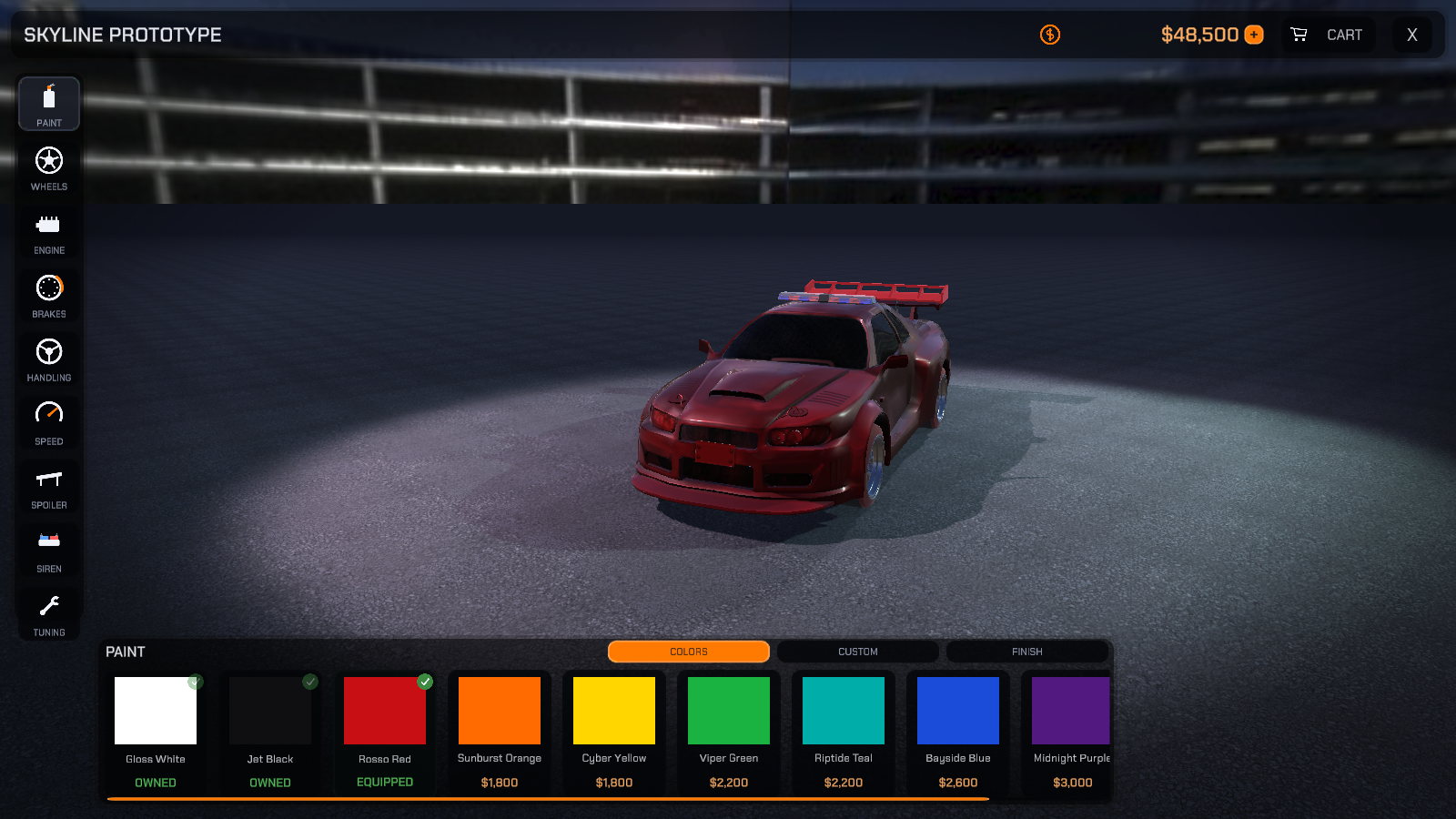
RCCP Tuner turns RCCP's built-in customization backend into a Need-for-Speed-style garage experience: a cinematic camera that swings to frame the part you are editing, a polished overlay UI with a shopping cart, and a full player economy - currency, ownership, unlocks - driving RCCP's own customization component (RCCP_Customizer, a child object on each RCCP vehicle) underneath. This documentation set covers everything from your first import to authoring your own content, prices, themes, and integrations.
Everything the Tuner adds to Unity lives under one menu: Tools > BoneCracker Games > RCCP Tuner (Welcome Window, Setup, Tools, Documentation).
Start Here
New to RCCP Tuner (or to Unity)? Read these three in order - they take you from an empty project to a working garage:
- Installation - import the asset and confirm it installed correctly.
- Quick Start - open the shipped showroom demo and make your first purchase in about ten minutes.
- Scene Setup - add the garage to your own scene and vehicle.
Documents
| # | Document | What it covers |
|---|---|---|
| 01 | Installation | Requirements, importing, the automatic installer, the Welcome Window, folder overview |
| 02 | Quick Start | The shipped showroom demo: open it, buy something, understand what happened |
| 03 | Scene Setup | Adding the Tuner to your own scene: canvas, controller, vehicle preparation, Vehicle Id, the Setup Health checklist |
| 04 | Using the Garage | How the garage plays: reading a card, hover try-ons, the cart, checkout, the Paint Studio, stat readouts and units, tuning |
| 05 | Creating Items (Catalogs) | Authoring your own content: every catalog type, step-by-step recipes, generating item icons, the validator |
| 06 | Prices & Economy | Editing prices, upgrade price ladders, the wallet, ownership, save data |
| 07 | Theming & Editing the UI | Restyling with the Theme asset, editing the canvas prefab and item cards, mobile layout |
| 08 | The Cinematic Camera | The camera director, shots, the Shot Library, per-vehicle framing overrides |
| 09 | UI Audio & Music | The garage theme and UI sound effects: volumes, replacing clips, muting |
| 10 | Scripting API | Opening the garage from code, rewarding currency, events, resets, localization |
| 11 | Troubleshooting & FAQ | Common issues, the verification probe, and how to get support |
| 12 | Editor Tools Reference | Every menu item and custom inspector: Setup Health, catalog coverage, the thumbnail generator, the validator |
The Five Most Common Tasks
| I want to... | Go to |
|---|---|
| Try the asset right now | Quick Start |
| Put the garage in my own scene | Scene Setup |
| Add my own paint colors / wheels / spoilers | Creating Items |
| Change what things cost | Prices & Economy |
| Change how the UI looks | Theming & Editing the UI |
| Find out what a menu item or inspector button does | Editor Tools Reference |
Third-Party Content & Licenses
Everything RCCP Tuner bundles is cleared for use in commercial projects, including paid games. Nothing here requires you to open-source your own work.
| Content | Where | Licence | What you need to do |
|---|---|---|---|
| Chakra Petch (Regular + SemiBold) | Fonts/ |
SIL Open Font License 1.1 - full text ships in Fonts/OFL.txt |
Nothing, as long as OFL.txt stays beside the fonts. The OFL explicitly permits embedding the font in a game and selling that game. |
| UI audio - garage theme + 8 sound effects | Audio/ |
Generated with ElevenLabs under a commercial licence | Nothing. See UI Audio & Music to replace or mute them. |
| UI sprites and icons | Textures/UI/ |
Authored by BoneCracker Games | Nothing. |
| Item card thumbnails | Demo/Thumbnails/ |
Rendered from the demo vehicle's own models | Nothing. Regenerate them for your own cars - see Creating Items. |
Two points that come up often:
- The OFL is not "copyleft" over your game. Its same-licence requirement applies to the font files only. Your code, scenes, and the rest of your project are entirely unaffected.
- You may delete
Fonts/outright if you assign your own TMP font assets to the theme'sHeading FontandBody Fontslots (Theming & Editing the UI). The garage falls back to the TMP default for any empty slot.
Support
- Email: [email protected]
- Website: www.bonecrackergames.com
When reporting an issue, please include your Unity version, RCCP version, RCCP Tuner version (1.0.0), render pipeline, and any console messages prefixed with [RCCP Tuner].